Autonomous AI Coding Agent Remote Control
Control Your AI Coding Agents From Anywhere in the World.
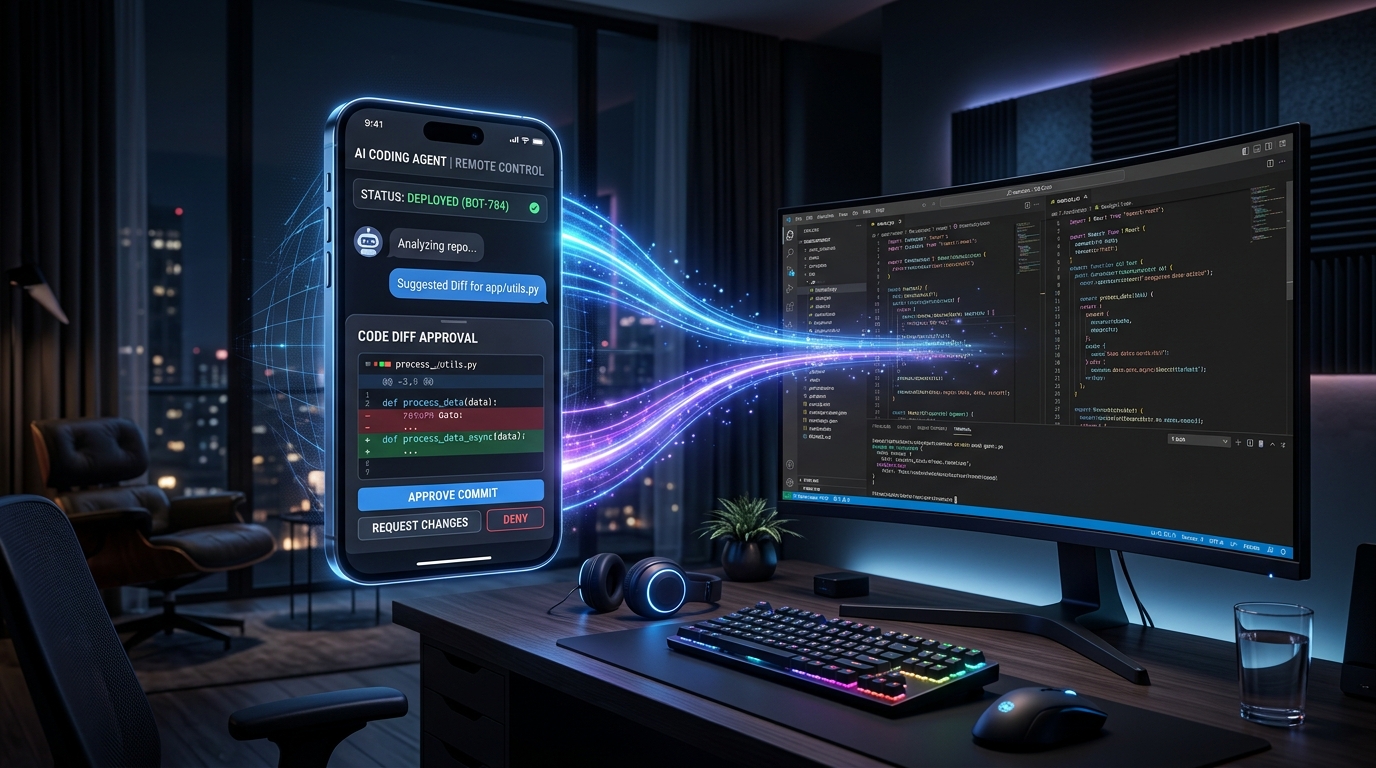
Turn your mobile phone into an ultra-low latency command bridge. Monitor live AI coding sessions, approve diffs, stream active IDE window frames, and execute terminal commands on your workstation while on the go.
// 1. EditorMate Daemon listening on http://127.0.0.1:4588
const companion = new CompanionDaemon({ port: 4588 });
await companion.start(); // Zero-port forward secure bridge
// 2. Incoming Mobile Prompt from Telegram:
📱 Telegram @EditorMate_bot (Praveen Fold 5):
"Fix the button layout on mobile and run git status"
⚡ Automatically pinned to active AI Chat • Handled Hands-Free
EditorMate Bot
bot • active
📸 Active IDE Window Snapped:
Antigravity IDE • 3840x2080 • Silent Frame (126 KB)
/terminal npm test
✅ Test Suites: 14 passed, 14 total
Time: 1.842s
Use the Messaging Tools You Already Love.
No proprietary chat apps required today. Connect your workstation in under 10 seconds through standard chat platforms, with full support for our upcoming native mobile companion.
WhatsApp & Discord
Connect via WhatsApp (direct 6-digit dynamic pairing) or your private Discord server. Receive interactive approval cards, reply with voice notes, and approve diffs from anywhere.
- WhatsApp direct multi-device QR + dynamic 6-digit pairing (zero Meta fees)
- Discord slash commands (/snap, /pdf, /chats) & embed cards
- Interactive 1-tap Approve & Reject mobile dialogs
Slack, Matrix & Mobile
Slack Socket Mode team pairing will roll out in the next scheduled release. Matrix decentralized protocol and our dedicated native iOS/Android app follow on the roadmap.
- Slack team notifications & Block Kit approvals (Next Update)
- Matrix E2EE decentralized protocol (Planned)
- Native iOS & Android companion app via AppFactory
Try the Remote Command Language.
Click any command below to see how EditorMate executes tasks on your workstation from mobile.
💻 Terminal Execution (portfolioEngine):
$ git status -s

 M src/components/editormate/editormate-page-client.tsx
 M src/app/editormate/page.tsx
?? ai-tools/editormate/extension/editormate-latest.vsix

✅ Exit code: 0 • 28ms execution time
Live Ecosystem Telemetry & Community Pulse
Real-time aggregate activity across connected workstations. 100% Zero-PII contract: no user identities, codebases, or prompts are ever recorded.
Active Messaging Bridge Distribution
Real-time proportion of commands executed across messaging bridges
Duplex Cloud Relay
Powered by editormate.praveenojha.com via Cloudflare Zero Trust Tunnels. Zero inbound router ports or static public IPs required on your machine.
100% Client WhatsApp
WhatsApp Baileys runs strictly client-to-client on your workstation with rotating 6-digit dynamic pairing codes. Multi-device QR authentication and messages never touch cloud databases, preserving complete end-to-end privacy.
EditorMate Zero-PII Isolation
Strict Non-Tracked telemetry contract. Zero source code, file paths, diff contents, or prompt text are ever retained or transmitted. Pure aggregate macro metrics only.
How EditorMate Works
Explore the zero-party companion topology, multi-channel remote bridges, and the full catalog of autonomous commands that let you direct workstation AI agents from anywhere.
Mobile & Chat Bridges
Send commands, record voice prompts, or tap inline approval buttons from your everyday chat client:
Local Companion Daemon
Runs lightweight on your workstation at 127.0.0.1:4588. Zero cloud hops, zero code stored remotely.
AI Coding Surfaces
Commands and prompts inject directly into active conversational contexts with hands-free execution:
```mermaid
flowchart TD
    subgraph Mobile["📱 Tier 4: Developer Mobile & Remote Bridges"]
        TG["Telegram Bot (@EditorMate_bot)"]
        WA["WhatsApp (Baileys Multi-Device)"]
        DC["Discord App (Direct Messages)"]
    end

    subgraph CloudRelay["☁️ Tier 3: Zero-Config Duplex Reverse Tunnel"]
        RELAY["WSS Reverse Relay (Port 4200 / relay.praveenojha.com)<br/>Outbound Only • 0 Inbound Open Ports"]
    end

    subgraph Daemon["🛡️ Tier 1: Workstation Companion Daemon (Port 4588)"]
        direction TB
        AUTH["Zero-Party Keyring & Security Guard<br/>(Sender Filter & AES-256 Keyring)"]
        VOICE["Whisper VAD Audio Engine<br/>(Voice Notes / Video FFmpeg)"]
        SNAP["Silent Active Window Capture<br/>(KDE Spectacle / Win32 / macOS)"]
        REPORT["Autonomous PDF Report Generator<br/>& Engineering Summaries"]
        ROUTER["Remote Command Switchboard<br/>(/snap, /diff, /chats, /select, /alias)"]
    end

    subgraph MCP["🔌 Tier 2: Model Context Protocol (MCP) Server"]
        MCPSRV["stdio JSON-RPC 2.0 Server<br/>(19 Native Tools: editormate_status,<br/>editormate_send_prompt, editormate_snap...)"]
    end

    subgraph IDE["💻 Workstation AI Coding Surfaces"]
        AG["Antigravity IDE (Gemini)"]
        CR["Cursor / Windsurf"]
        VS["Visual Studio Code"]
        CC["Claude Code / Aider CLI"]
    end

    TG <== Duplex Outbound Tunnels ==> RELAY
    DC <== Direct Bot Webhook ==> RELAY
    RELAY <== Encrypted Outbound WSS Tunnel ==> AUTH
    WA <== Local WebSocket (Port 4588) ==> AUTH

    AUTH --> VOICE
    AUTH --> SNAP
    AUTH --> REPORT
    AUTH --> ROUTER

    ROUTER <== IPC / Chat Dialogue Queue ==> AG
    ROUTER <== IPC / Chat Dialogue Queue ==> CR
    ROUTER <== Extension Message Bridge ==> VS
    ROUTER <== Workspace PTY Shell ==> CC

    MCPSRV <== stdio JSON-RPC 2.0 ==> AG
    MCPSRV <== stdio JSON-RPC 2.0 ==> CR
    MCPSRV <== stdio JSON-RPC 2.0 ==> VS
    MCPSRV <== stdio JSON-RPC 2.0 ==> CC
```Flexible Plans. Zero Subscription Traps.
Start with our limited launch presale ($5 for 6 months), choose flexible monthly or annual billing, or own EditorMate permanently with a single lifetime payment.
Presale Launch Pass
Commercial License & All Future Updates
Pay only $5 total for your first 6 full months. Renews at standard $5/month thereafter. Cancel anytime with 1 click.
- 3 Device Seats (Workstation, Laptop, Secondary)
- All Active Bridges (Telegram, WhatsApp & Discord • Slack & Matrix in development)
- Free Access to Upcoming Native Mobile App
- Voice Context & Audio Guard (40-75% dead-air trimmed)
- Cryptographic Ed25519 License Key with instant delivery
How Can We Help You Build Remotely?
Comprehensive guides for WhatsApp Baileys (1st Choice Local), Telegram & Discord, full remote command reference, and instant workstation diagnostics.
WhatsApp Baileys (Dynamic 6-Digit Pairing)
Zero server round-trip • Pure 6-digit dynamic pairing code security
- 1.Open EditorMate in your IDE sidebar or standalone dashboard (
localhost:4588). - 2.Link your WhatsApp by scanning the local QR code (Settings ➔ Linked Devices).
- 3.In your WhatsApp "Message yourself" chat, enter the 6-digit dynamic pairing code shown in your EditorMate dashboard (e.g.
/pair 123456or simply send123456). The code continuously rotates every 3 minutes for enterprise security. - 4.Start controlling your IDE! Send
/status,/snap, or voice notes from anywhere.
Telegram Companion
Encrypted outbound polling • Zero firewall config
- 1.Open Telegram and start @EditorMate_bot.
- 2.Click Connect Telegram in your IDE to generate a single-use 6-digit code.
- 3.Send
/pair <code>to the bot to link your workstation seat.
Everything You Need to Know
EditorMate runs a lightweight companion daemon directly on your workstation (port 4588). It connects to secure messaging gateways (such as Telegram Bot API) using encrypted outbound HTTPS polling. You never need to open inbound firewall ports or run port-forwarding tools.